NSOffice.AI® by Network Science
How to use Vendor Desk Bee

Every vendor for your company, chased, checked and answered

Six steps. You can come back to this guide any time from How to use at the top.

  1. Start with Needs approval

    Bank detail changes, mismatch decisions and sanctions hits wait here for a named person. A bank change is never approved from the list: it needs a callback to the number already on the vendor’s file.

  2. Work through the queues

    Onboarding, Renewals due, Deliveries at risk, Mismatches and Vendor questions, each with a count. Rows offer a one-click decision where it’s safe, and Undo if you change your mind.

  3. Open a case

    See what happened, the facts gathered, the documents, the vendor’s thread and the recommended next step, then decide. Every decision is recorded with who made it.

  4. Send vendors their link

    Copy vendor link and paste it into your email or WhatsApp. Vendors upload documents, confirm dates and see payment status without a login.

  5. Press Run now

    The desk brings itself up to date from your company’s ERP data every morning. Run now does it straight away. Nothing reaches a vendor until your team sends it.

  6. See what you’ve saved

    ROI delivered, top right, shows the hours and money saved against how your team worked before. Open it to put in your own numbers.

Vendor follow-ups cut 90%, no portal needed

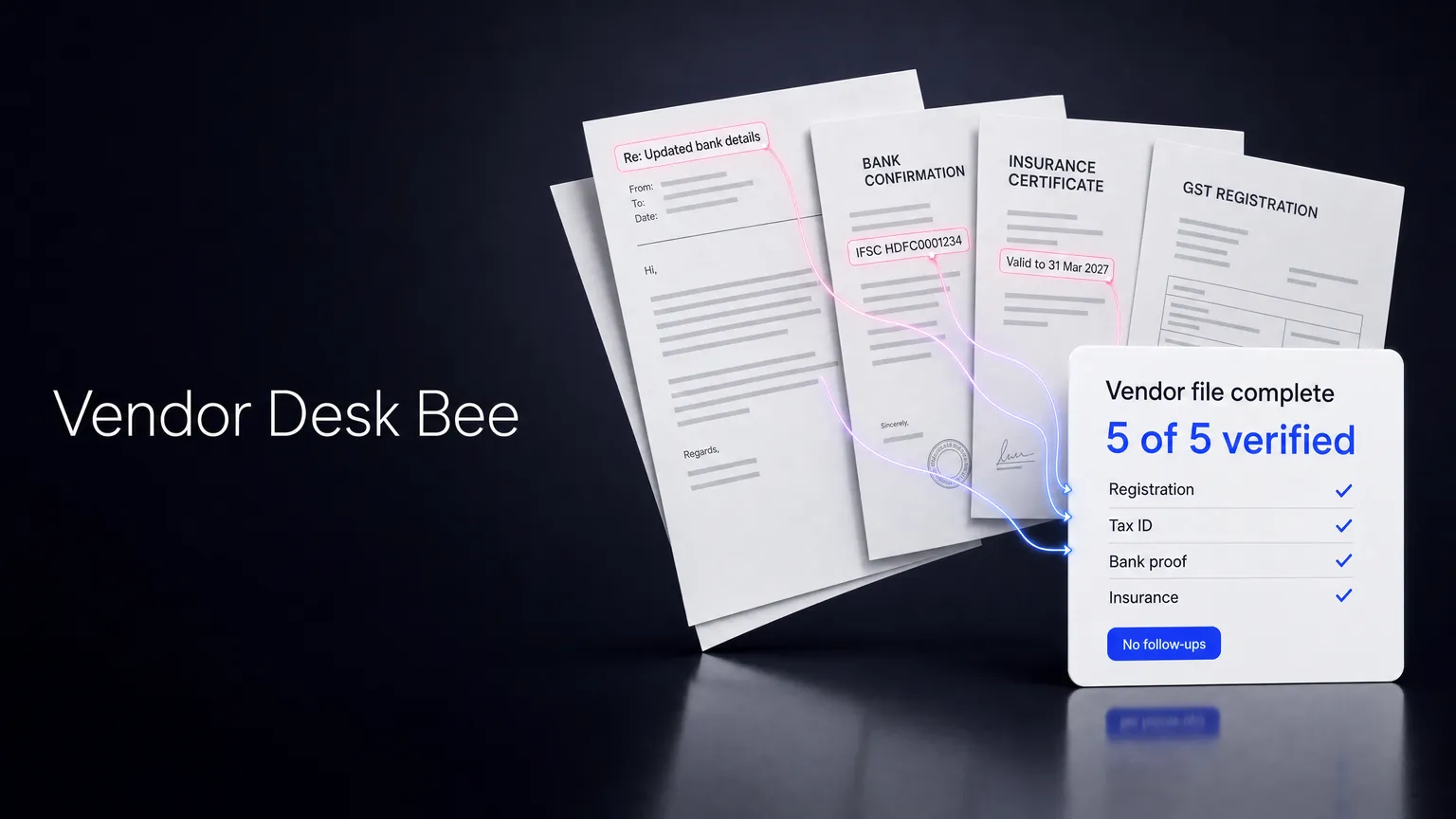
Vendor emails, documents and ERP records in; complete vendor files, answers and ready-to-decide cases out

20 NU per vendor onboarded · 2 NU per answer
